Task Integral
A simple guide to track the number of (google) tasks in your to-do list.
Motivation
Inspired by this tweet by Cate Hall
footnote: Actually I started in January of 2025 so I must have really been inspired by something else, but not sure by what.
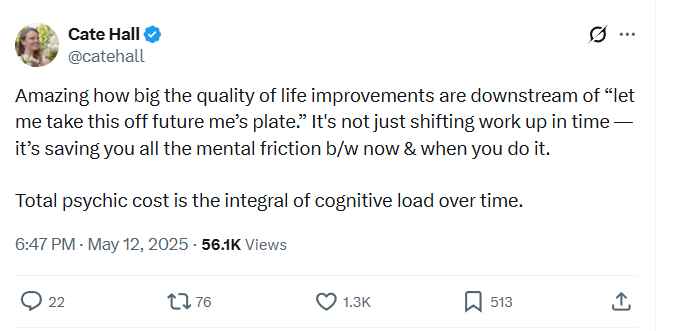
But it can be hard to follow this advice.

Maybe this tool can help.
Footnote[ You can basically get this by just asking an LLM. But when I did this there were still a couple bugs and issues I had to spend some time on, so hopefully this post means you can avoid spending time on it.]
This script visualises this for you
Every night a script is triggered that gets the number of tasks for each to-do-list in your google tasks, and adds them to the google sheet. There is one column for each to-do-list.
In a plot each
As an LLM might say:
Note
The cost isn’t the task.
It’s the area under the curve.
Steps
- Open https://docs.google.com/spreadsheets/d/1nuF8cycbnqyKs02_uENaiKeL9N0n9bpK3AOwtz_vAIM/copy?usp=sharing and create a copy
- At the top click extensions
- Click Apps Scripts
- Click Run at the top
- Agree to all permissions
New columns will be automatically created. Of course you can delete the template column. You can get the average and average for the last 30 days by dragging the existing cells for the template over to the new columns.